Virtual try-on with your own clothes.
Fitpose is a try on clothes app for the clothes you already own. Pick up to six pieces from your closet, and Fitpose renders them on your own full-length photo, so you see the look on you before you get dressed.
Coming soon to the App Store
How a try-on works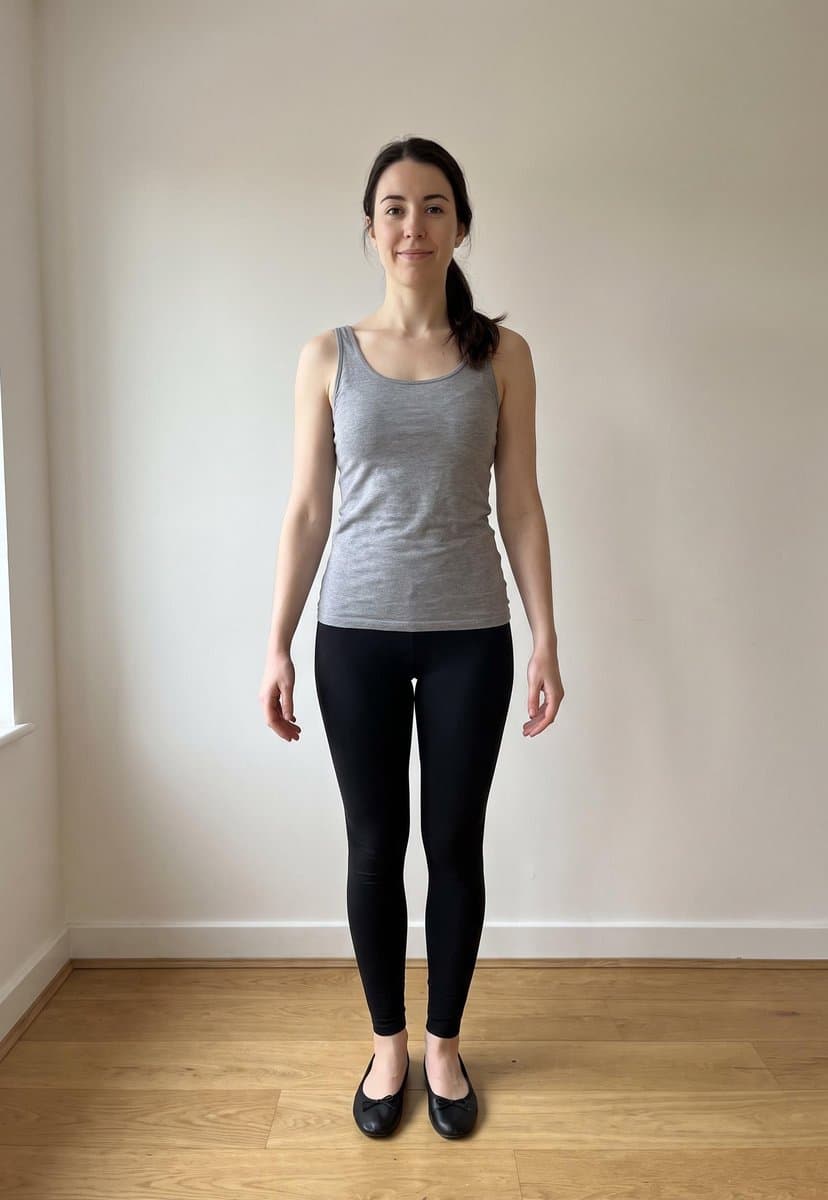
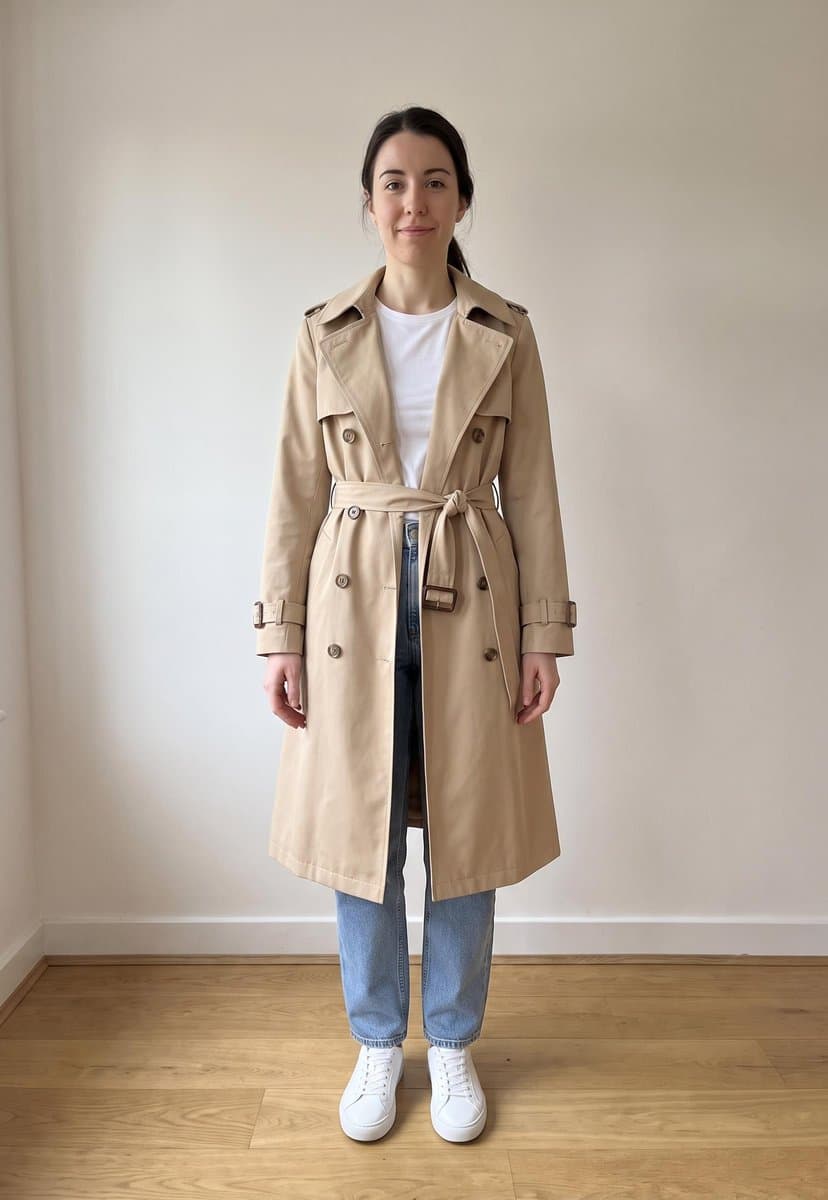
How a try-on works.
Four steps, and you only do the first one once.
Add one photo of you.
During setup you add a full-length photo: head to shoes, standing, in good light. It becomes the base for every look, so the clothes appear on your body, in your pose and in your room, not on a model.
Pick pieces from your closet.
Start from the outfit on today’s cover, a look from Explore or one your stylist suggests, and swap any piece with a tap. Every piece is a cut-out from your own photos, made on your iPhone.
Fitpose renders the look.
Our server sends your photo and the pieces to Google’s Gemini models on Vertex AI, which draw those clothes onto you. The render runs in the background: you can leave the screen, and with notifications on, Fitpose tells you when the look is ready.
Keep it, wear it, log it.
The render is saved to your account. Wear the outfit and log it in one tap, and your latest try-on also shows on the Fitpose widget on your Home Screen.
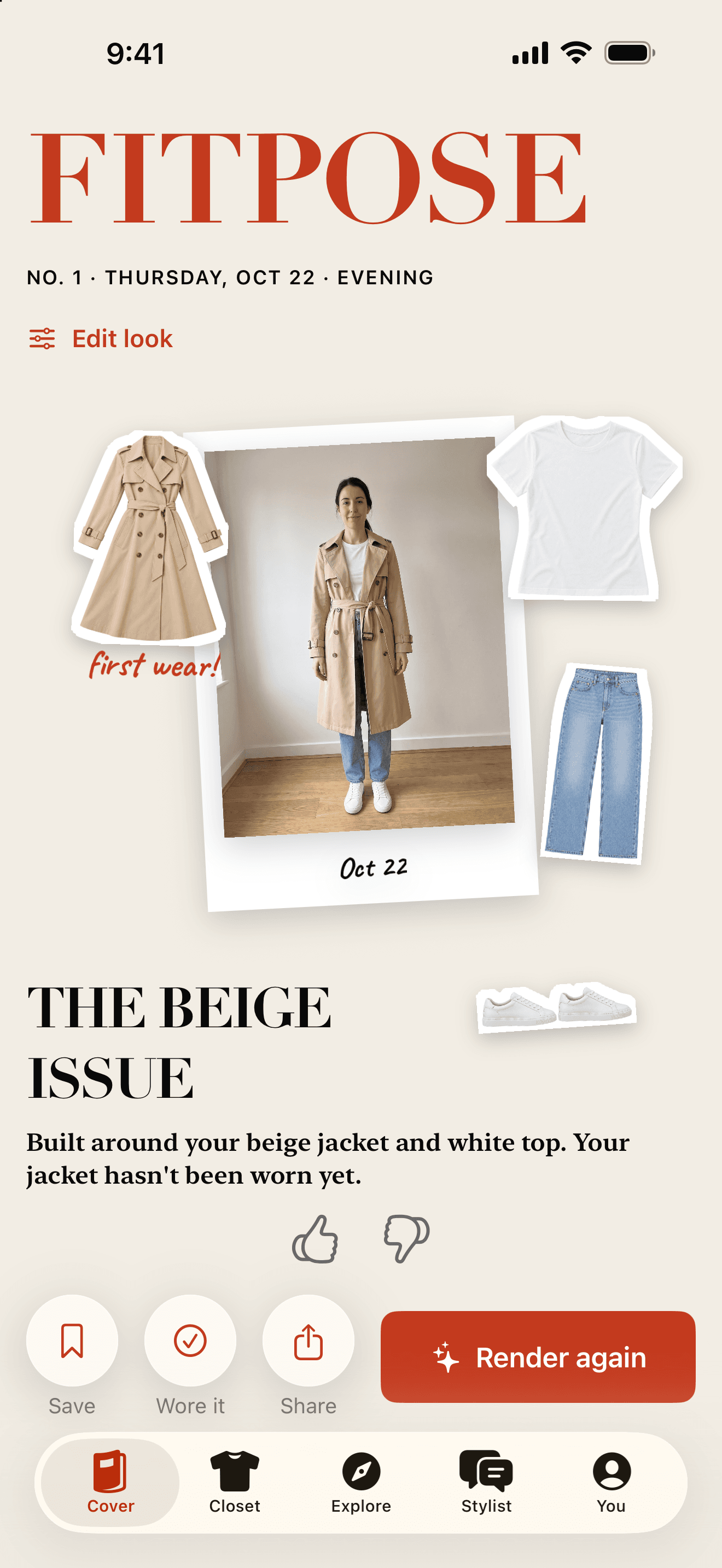
a good base photo
- Your whole body in the frame, head to shoes.
- Standing, in good, even light.
- Against a plain background.
- Just one: it is the base for every look.
The photo it needs.
A render changes your clothes and nothing else, so the photo you start from matters.
The render keeps your face, your body, your pose and the background of that photo exactly. It never changes your body shape, your size or your skin. If the photo crops your feet, the shoes have nowhere to go, so a full-length photo matters more than a perfect one.
You can change the photo later: subscribers find it in Settings, under My Avatar.
Up to six pieces, one per slot.
The render above used four. A full outfit with a coat, shoes and a bag still fits.

outerwear

top
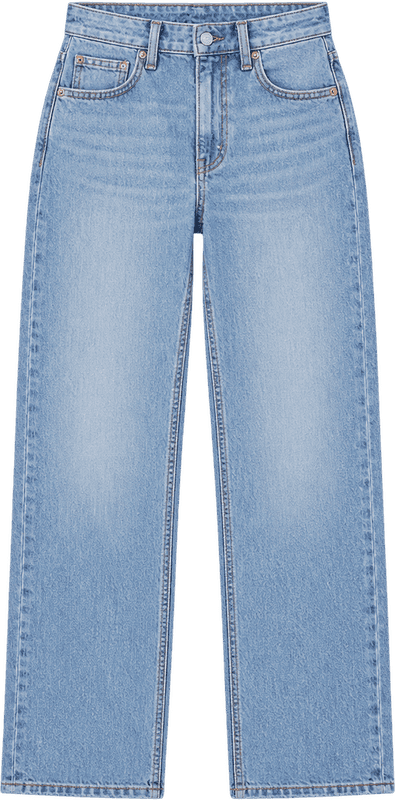
bottom
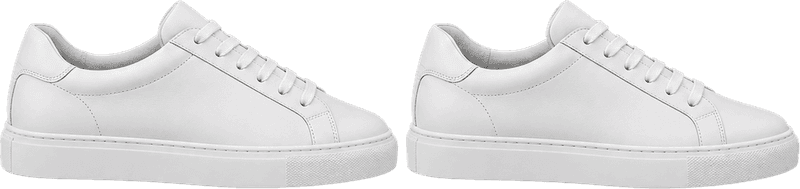
shoes
A look has one piece per slot: a top, a bottom or a dress, outerwear, shoes, a bag, a hat and an accessory. A try-on takes up to six of them at once. When a look has a dress, the dress takes the place of the top and the bottom.
If a look leaves a part out, say a top with no bottom, the render keeps what you wear in your photo for that part instead of inventing something. Each piece keeps its colour, pattern, logos, buttons and cut, and a coat stays open or fastened the way you photographed it.
Fair use, reports and your privacy.
Fair use.
Every render costs real computing time, so Fitpose Pro comes with fair-use limits on the AI features, such as how many looks can be rendered in a day, during the free trial too. The terms of use explain them.
A Report button on every render.
AI can get details wrong: a sleeve that changes length, a pattern that drifts. Every render has a Report action. A report hides it on your phone and reaches us, and we review every report within 24 hours.
Your photo, your consent.
Fitpose asks before your first AI request, and you can turn AI processing off in Settings at any time. A render sends only your photo and the pieces, without your name or email, and Google does not train its models on them. Read how Fitpose handles AI processing.
Not a clothes changer. Your closet, on you.
Plenty of apps put clothes on a photo. Fitpose starts somewhere else: with what you already own.
- Your clothes, not a catalogue.
- Many outfit changer apps dress you in clothes from a shop or out of a text prompt. Fitpose only renders pieces you photographed yourself, so every look is one you can actually put on this morning.
- Part of your day, not a one-off.
- A try-on sits inside the rest of the app: the daily cover suggests the look, the wear log remembers it, and insights show which pieces earn their place in your closet.
- You, unchanged.
- It is not a body editor. The render changes the clothes, not your shape, size or skin, and it keeps your face, your pose and the room you stood in.
- Honest about what it is.
- A render is an AI picture of how the clothes would look, not a fitting room. It does not know your measurements, so treat it as a strong preview of colours, proportions and combinations, not a promise about fit.
Questions, answered.
Can I try on clothes I don’t own yet?
Not in a try-on: renders use the pieces in your closet. If you switch your stylist to Closet + shop, it can suggest up to three pieces worth adding, each with a search you open in your browser. Those are ideas to look at, not pieces to render.
Does Fitpose change how my body looks?
No. The render is told to keep your face, body, pose and background exactly, and never to change your body shape, size or skin. Only the clothes change. If a render gets something wrong, report it.
Is virtual try-on free?
Try-ons are part of Fitpose Pro, a subscription: monthly, or yearly with three free days to start. Fair-use limits apply to the AI features, during the trial too.
Does it work for men’s clothes?
Yes. Fitpose has a men’s edition with its own starter closet, and a try-on works the same way: your full-length photo, your pieces, up to six at once.
Who sees my photo?
Your photos are saved to your private Fitpose account and are never published. For a render, your photo and the pieces go to Google’s Vertex AI without your name or email, only after you agree, and Google does not train on them. You can delete everything in Settings. The privacy policy has the details.
Also in Fitpose
- Plan what to wear today, and pack for a trip
The daily cover, the wear log and planner, and the packing capsule.
- Ask an AI stylist who knows your closet
Eighteen stylists, what to ask them, and when they suggest shopping.
- Fitpose, the virtual closet app for iPhone
Every feature on one page, with editions, pricing and the FAQ.
See your own clothes on you.
For iPhone with iOS 18 or later. Fitpose Pro: monthly, or yearly with three free days.
Coming soon to the App Store